
Embed chat using iframe
It is often a good solution to use iframe when creating different applications that will be embedded on third-party websites. Iframe provides a separation between styles and code of both websites.
Check the latest tips, tricks and news from the IT market.
It is often a good solution to use iframe when creating different applications that will be embedded on third-party websites. Iframe provides a separation between styles and code of both websites.

In this tutorial we’re going to add a datepicker to chat and allow a chat member to pick a preferred date from the calendar view.

Check how to load app in React. We introduce comprehensive tutorial for everyone.
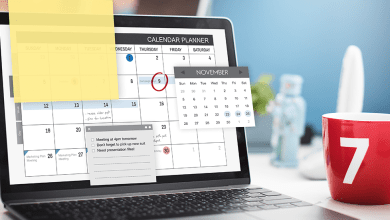
Are you in need of custom integration with a MEC plugin? Or do you need to fetch custom details? See how we do it.
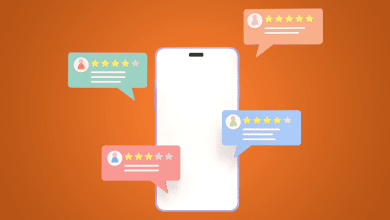
You can define different customTypes for messages and append custom data. In this article, we will focus only on the frontend part – Chat in React.
In this tutorial, we’re going to: fetch user IP address and set it as channel data parameters, create a new channel, and create a distinct channel.
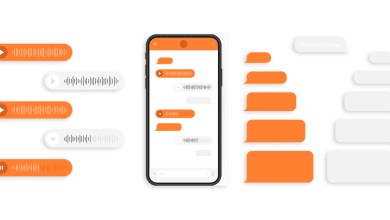
Are you interested in how to customize you chat with SendBird API? Check our tutorial.

Having a standard chat, we can receive and send messages. What about adding custom data to a message that will render action buttons?

Sendbird’s chat APIs and SDKs allow developers to build a lot of chat functionality. Let us show you how Sendbird really does it!

Interested in optimizing your sendbird chat? Let’s check together what u can do about it.